
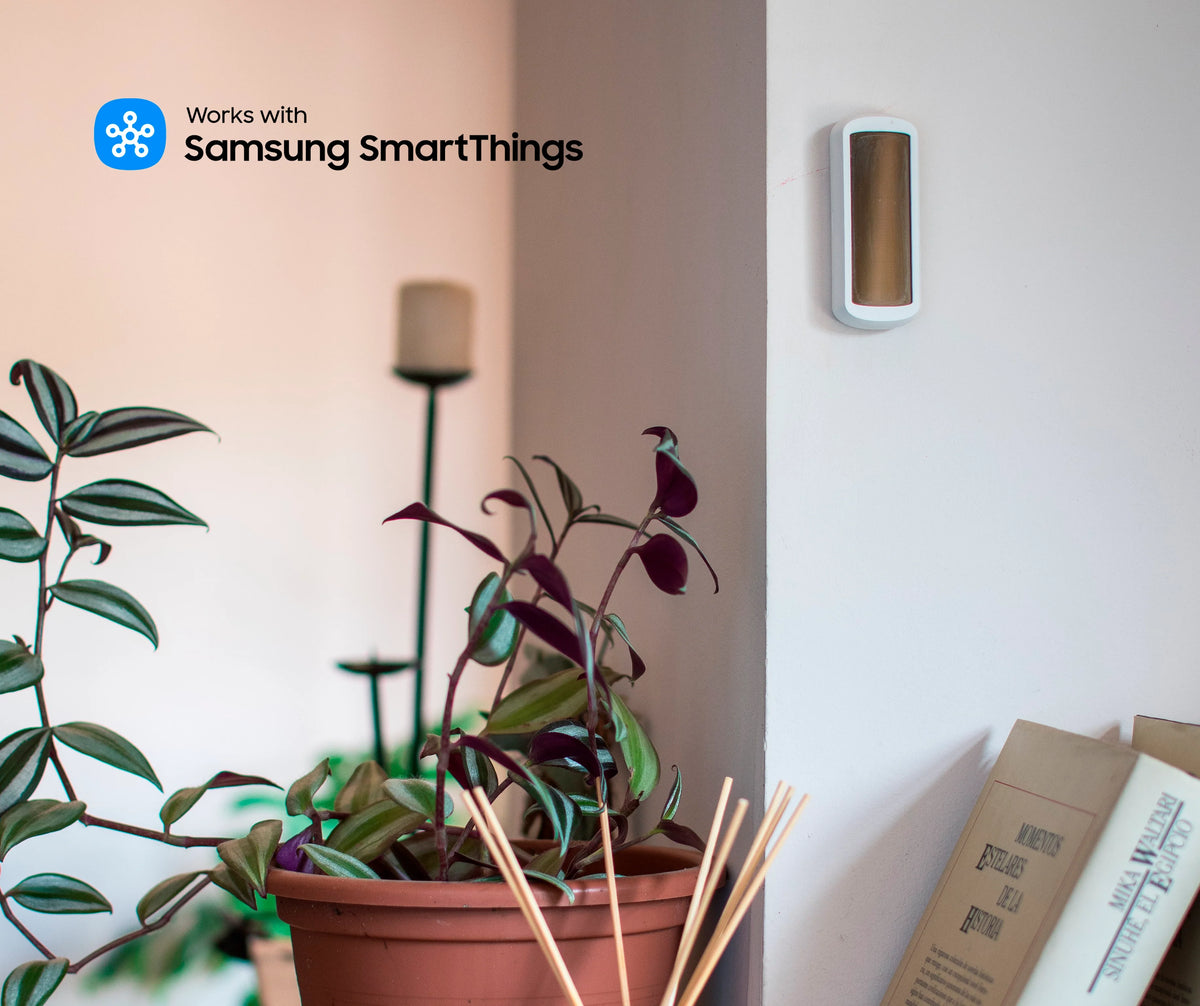
A photovoltaic cell instead of batteries: the STPH-4-1-00 sensor measures a room's temperature and humidity and sends its readings to your Zigbee gateway or BMS, with no maintenance at all.
The problem: sensors that stop working when the battery runs out
To regulate heating, keep an eye on humidity in a bathroom or track comfort in an office, you need reliable measurements in every room. But a battery-powered sensor always ends up going silent, and in a commercial building, nobody necessarily knows where it is or when its battery needs changing.
The NodOn Zigbee Temperature and Humidity Sensor draws its energy from ambient light. Once it is in place, it needs no further attention.
The STPH-4-1-00: a light-powered Zigbee sensor
In an 85 × 34 × 15 mm, 30 g housing, the sensor combines a temperature probe, a humidity probe and a photovoltaic cell. It communicates via Zigbee 3.0 with your gateway or BMS.
|
☀️
Battery-free
The built-in photovoltaic cell harvests energy from ambient light to power measurements and transmissions
|
🌡️
Temperature and humidity
Temperature from -5 to 45 °C (0.5 °C resolution) and relative humidity from 0 to 100%, indoors
|
|
📡
Smart reporting
A reading every 100 seconds, a report as soon as temperature changes by 0.5 °C or humidity by 2%, and a heartbeat signal every hour
|
🔋
Optional battery
For a cellar or a room without light, a CR2032 battery (not included) provides up to 3 years of autonomy in complete darkness
|
Installation: stuck or screwed
The sensor is wireless: simply choose its location, within range of your Zigbee network (30 m indoors), and how to fix it:
|
Option 1
Double-sided adhesive
Supplied with the sensor, it allows immediate fitting on a wall or a piece of furniture, without drilling.
|
Option 2
Two screws
For permanent fixing, particularly in commercial spaces, the sensor can be screwed to the wall (screws not included).
|
Setup in 3 steps
|
1
|
Powering up
Slide the switch to the ON position and expose the photovoltaic cell to light for a few seconds, ideally near a window. As soon as the LED flashes green once, the sensor is ready to join a Zigbee network.
|
|
2
|
Adding it to your Zigbee network
Put your gateway into pairing mode (Home Assistant, Jeedom, Zigbee2MQTT, Homey, SmartThings…), then press the sensor's button once: the LED flashes orange during the 30-second pairing window, then green once the sensor has joined the network. To reset it, hold down the button on the back for 5 seconds: the LED flashes red twice.
|
|
3
|
Fitting and using the measurements
Fix the sensor in its final location. Temperature and humidity are reported to your interface and can feed a dashboard, alerts or automations. With the sensor already paired, pressing the button forces a sync with the gateway (the LED flashes green once).
|
What you can automate
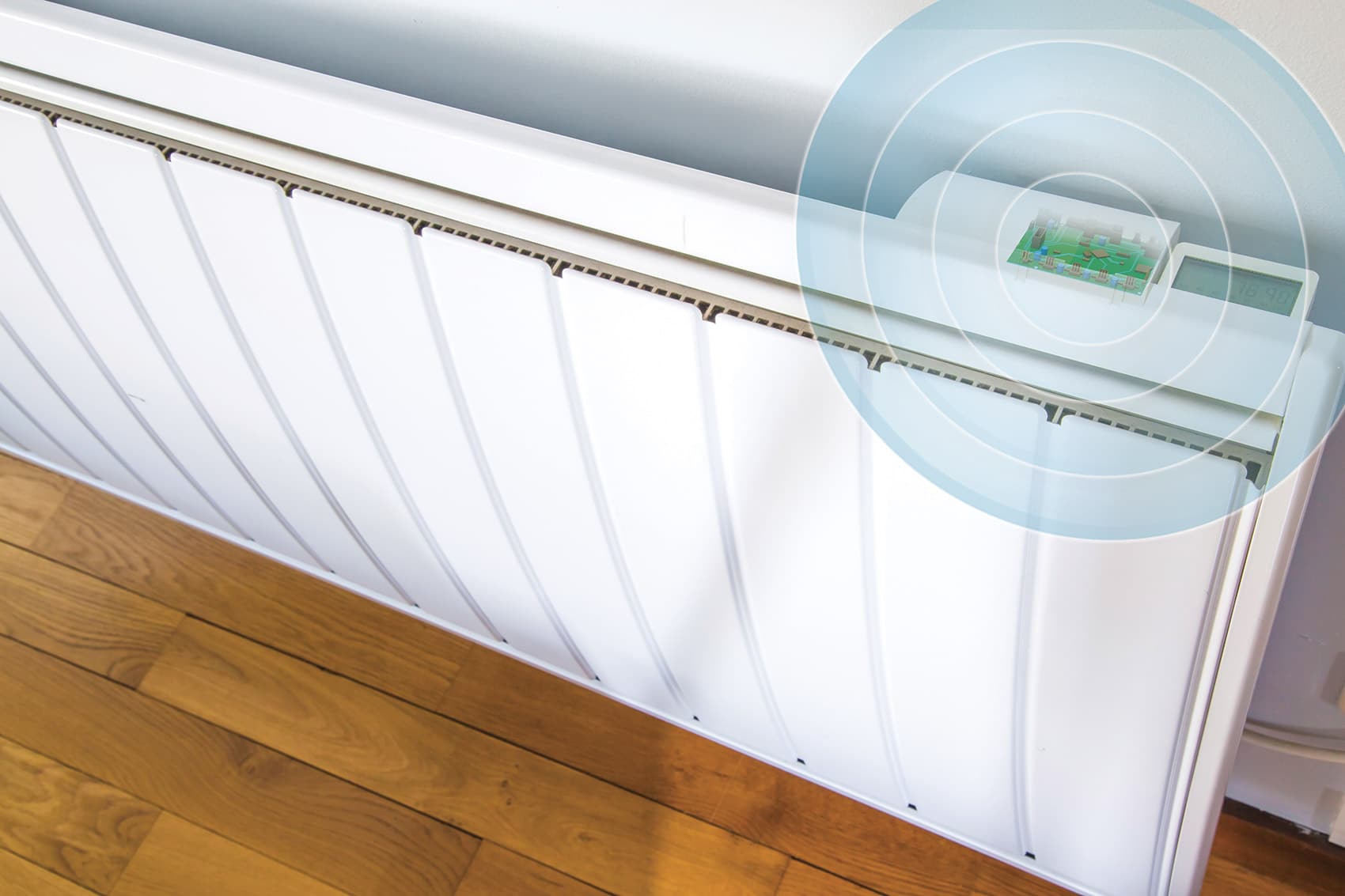
| 🔥 Room-by-room heating control, for example with the TRV-4-1-00 thermostatic head or the SIN-4-FP-21 pilot wire module | 💧 Switching on mechanical ventilation or an extractor fan when humidity in a bathroom exceeds a threshold |
| 🔔 An alert if the temperature drops too low in a cellar or plant room | 🏢 Monitoring comfort in the offices or rooms of a facility, with no battery replacement rounds |
The product
The STPH-4-1-00 is fitted in seconds and communicates directly with your Zigbee gateway or BMS.
|
Sensor
STPH-4-1-00
Zigbee Temperature and Humidity Sensor
View product →
|
Key specifications
Power supply: photovoltaic cell
Measurement: -5 to 45 °C, 0 to 100% RH
Optional CR2032 battery (not included)
Protocol: Zigbee 3.0, 30 m range
Dimensions: 85 × 34 × 15 mm
|
Resources
| 📄 Product page |
| 📖 User guide [FR / EN] |
| 📊 Datasheet [EN] |
| 🔗 STPH-4-1-00 on Zigbee2MQTT [EN] |

Leave a comment
This site is protected by hCaptcha and the hCaptcha Privacy Policy and Terms of Service apply.