

In previous articles, we talked a lot about Zigbee, MQTT and energy management. But for many users, myself included, another radio technology has been part of the landscape for years: EnOcean.
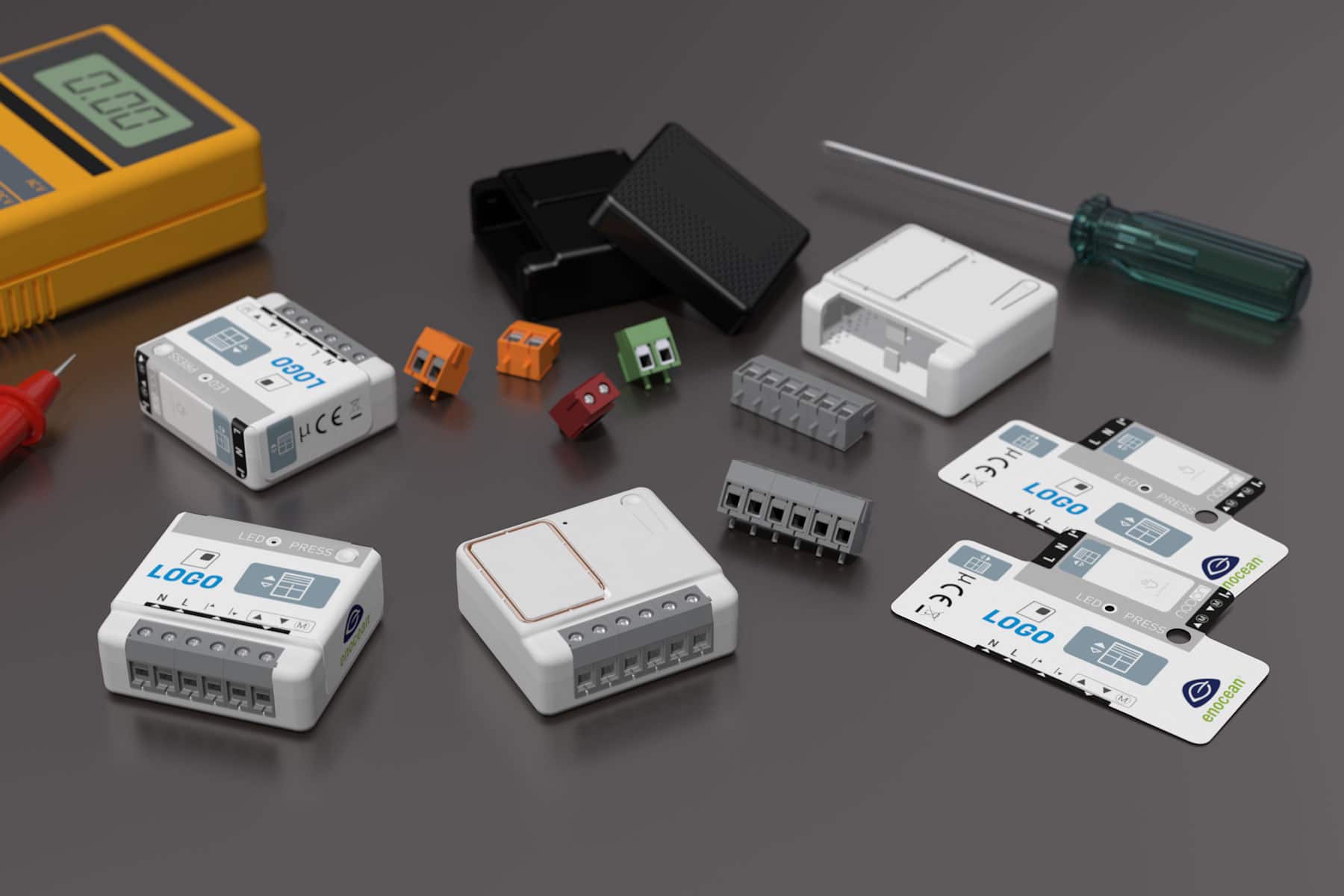
Battery-free switches, flush-mount modules, plugs, sensors… NodOn offers a complete EnOcean range. The problem is that their integration into Home Assistant has never been truly straightforward. That's why I developed NodOcean for HA, a Home Assistant integration available via HACS.

EnOcean, in a nutshell
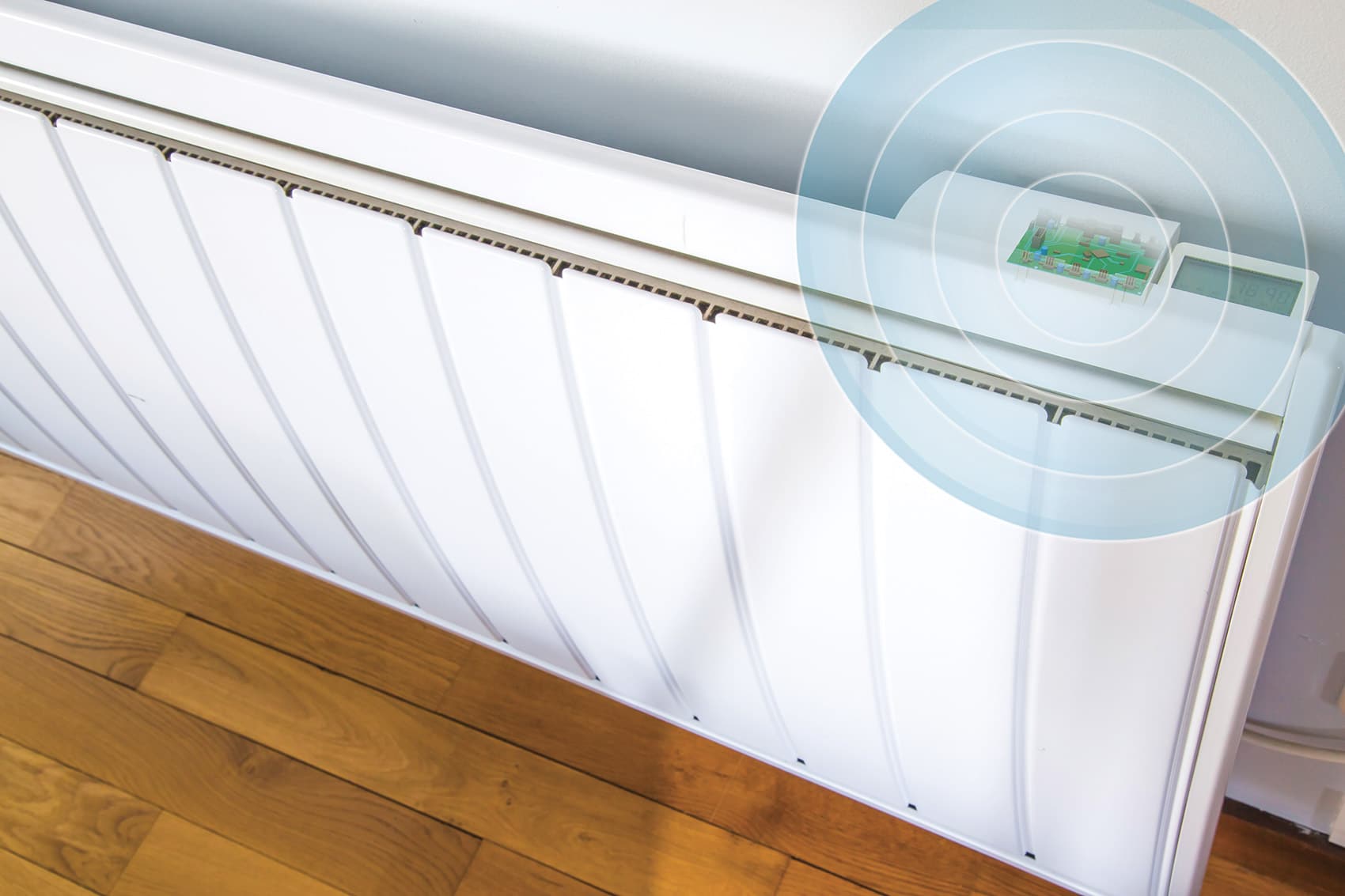
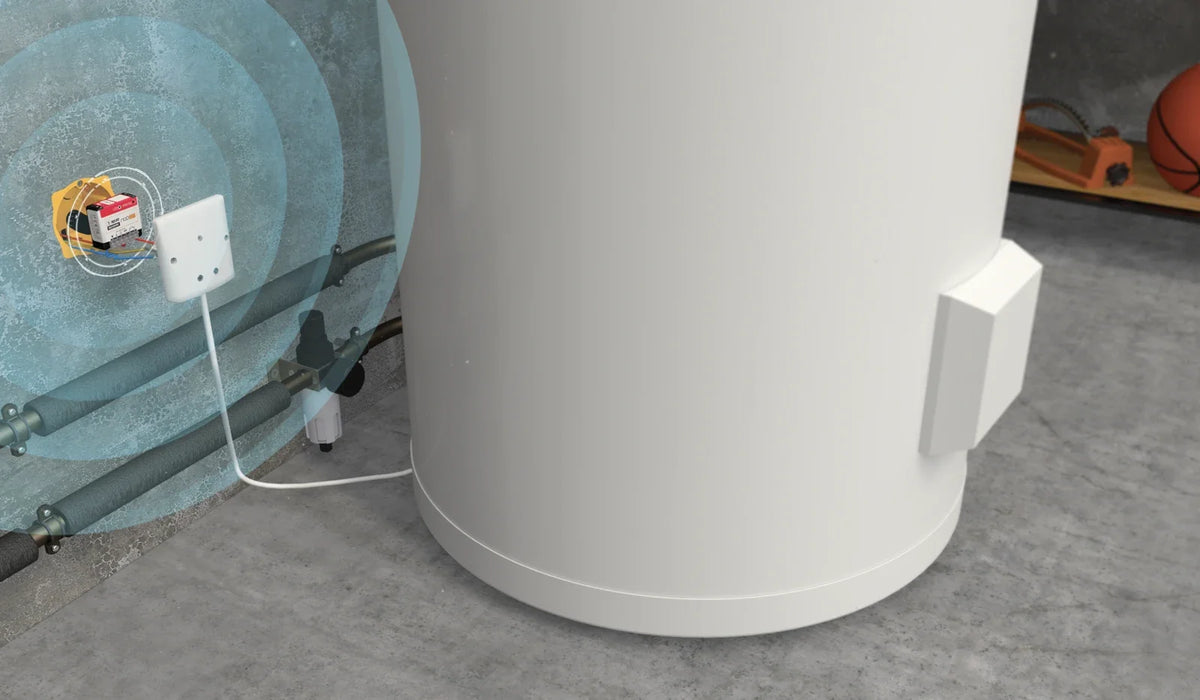
EnOcean is a radio technology designed for homes and buildings, with one distinctive feature: many products are wireless and battery-free. An EnOcean switch harvests the energy from the press itself to send its radio message. Some sensors even run solely on light energy.
The result: controls you can place anywhere, maintenance-free, and modules that continue to work directly with their switches, even without a home automation controller.
The problem: a very technical native integration
Home Assistant does have a native EnOcean integration. But to add a product, you typically need to:
- know the product's EEP profile (for example D2-01-0F or A5-04-01);
- record its EnOcean ID;
- write a few lines of YAML;
- and, for modules and plugs, manually handle the bidirectional pairing.
For an enthusiast, it's doable. For a user who simply wants to control their roller shutter or radiator, that's usually where the adventure ends.
The solution: choose your product from a list
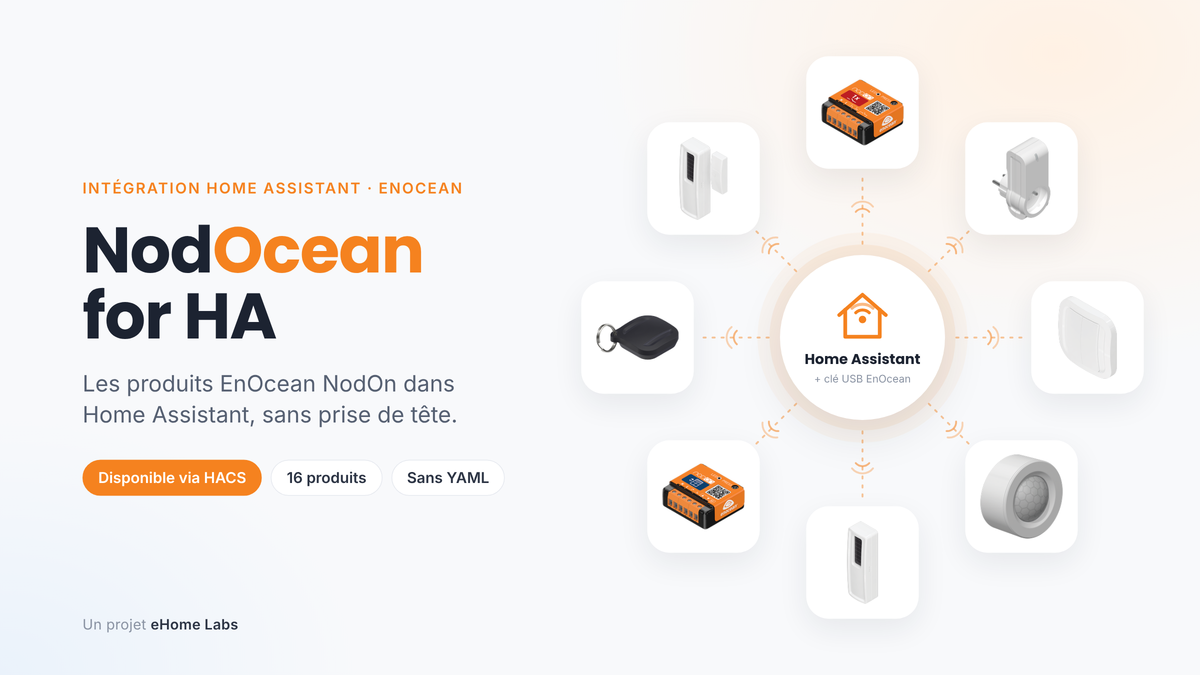
The principle of NodOcean for HA can be summed up in one sentence: you choose your NodOn product from a list, and Home Assistant does the rest.
No EEP profile to look up, no ID to copy, no YAML file, no MQTT broker or add-on. The integration communicates directly with an EnOcean USB stick plugged into the Home Assistant server.
In practice, adding a product takes just a few steps:
- In the integration, click Add a NodOn product;
- Choose the product from the list;
- Follow the instruction displayed, for example "press the module button 3 times quickly";
- Home Assistant listens for 60 seconds, detects the product and, for modules and plugs, responds to the pairing request itself;
- Give the product a name, choose its room: done.

16 supported NodOn products
The integration covers the entire current NodOn EnOcean range:
| Family | Products | In Home Assistant |
| 🔌 Flush-mount modules | SIN-2-1-01 Multifunction, SIN-2-2-01 Lighting 2-channel, SIN-2-FP-01 Pilot wire, SIN-2-RS-01 Roller shutter | Switch, lights, pilot wire mode (6 orders) + metering, shutter with position |
| 🔋 Plugs | ASP-2 Smart plug, MSP-2 Micro Smart Plug + metering | Plug, power and energy |
| 🎛️ Controls | CWS-2-1 Wall switch, CRC-2 Soft Remote, CFS-2 Floor switch, CCS-2 Card switch, TSB-2 Soft Button | Events per key, single / double / long press, card inserted |
| 🌡️ Sensors | SDO-2 and SWO-2 Opening, PIR-2 Motion, STP-2 Temperature, STPH-2 Temperature + humidity | Opening, motion + brightness, temperature, humidity |

Product settings, directly in Home Assistant
This is arguably the part that brings real added value. NodOn EnOcean products offer many parameters that, until now, were difficult to access. With NodOcean for HA, they appear in the Configuration card on each product's device page:
- Status LED on or off (day / night mode);
- State after power cut: previous, on or off;
- Auto-off after a delay, for example for a garage light;
- Wired switch type connected to a module: toggle switch, push button…;
- Calibration and travel time of the roller shutter module;
- Repeater mode to extend radio range;
- Correction of temperature and humidity for sensors;
- Management of remote controls paired directly to a module.
Good to know: EnOcean products do not allow reading back their settings. Home Assistant therefore displays the last value sent, and the default values are those of a brand-new product.
And for switches and remote controls, the integration offers device triggers directly in the automation editor: "Top left pressed", "Double press"… No need to decode frames anymore.

A built-in "NodOn Help" button
On each product's device page, the Diagnostics card features a NodOn Help button. One tap, and a notification appears with the product manual, the NodOn support link and the product's EnOcean ID.
It's a small detail, but it answers a very real everyday question: "how do I put this module back into pairing mode again?".

And for those who want to go further: the MQTT bridge
After the article on MQTT, you can see it coming… NodOcean for HA can also publish product states to an MQTT broker and receive commands, like Zigbee2MQTT.
- States: nodocean/<product> → {"state": "ON", "power": 12.5, "energy": 3.2}
- Commands: nodocean/<product>/set → {"state": "ON"}, {"position": 50} or {"mode": "eco"}
- Buttons: nodocean/<product>/action → left_up, single…
EnOcean products thus become accessible to Node-RED, Jeedom, a BMS or another Home Assistant instance. The bridge is optional and disabled by default: for standard use, you don't need it.

What you need to get started
- Home Assistant 2025.3 or later (OS, Container, Core…);
- an EnOcean USB300 USB stick, or an ESP3-compatible stick (TCM310, USB500…);
- HACS, for one-click installation and updates.
The interface is available in French, English and German, depending on the Home Assistant language.
⚠️ Warning: an EnOcean stick can only be used by one integration at a time. If Home Assistant's native EnOcean integration is already using it, you need to remove it before installing NodOcean for HA.
Installation via HACS
NodOcean for HA is not yet in the default HACS catalog. You just need to add it once as a custom repository: updates will then arrive normally.
- In HACS, open the ⋮ menu (top right) → Custom repositories;
- Add the address https://github.com/eHomeLabs/NodOcean-for-HA, category Integration, then Add;
- Search for NodOcean for HA in HACS, click Download, then restart Home Assistant;
- Settings → Devices & services → Add integration → NodOcean for HA. A plugged-in USB300 stick is normally detected automatically.
Are your products already paired with another hub? Sensors and switches can be paired with multiple receivers: just add them. For a module or plug, perform the pairing from Home Assistant and, if it fails, a factory reset of the product before trying again.
An eHome Labs project, open and in beta
NodOcean for HA is a personal project by eHome Labs. It is not developed by NodOn, and is distributed as open source (MIT license) and currently in beta phase: every piece of feedback counts.
To know who to contact:
- A question about the integration (installation, pairing in Home Assistant, bug, suggestion): open an issue on the GitHub repository, attaching the diagnostics file downloadable from Home Assistant;
- A question about a NodOn product (manual, wiring, reset, warranty): NodOn support remains your point of contact, at support.nodon.fr.
Full documentation (installation, product-by-product pairing, settings, automations, FAQ) is available on the NodOcean for HA wiki, on GitHub.
Key takeaways
- ✔ NodOcean for HA integrates all 16 current NodOn EnOcean products into Home Assistant
- ✔ Choose your product from a list: no EEP profile, no ID, no YAML
- ✔ Product settings (LED, state after power cut, timers, shutter…) are accessible from Home Assistant
- ✔ Switches and remote controls offer ready-to-use triggers in automations
- ✔ All you need is an EnOcean USB stick, no MQTT broker or add-on
- ✔ An optional MQTT bridge opens EnOcean products to other systems
- ✔ Installation via HACS, as a custom repository
Useful links
- GitHub repository: https://github.com/eHomeLabs/NodOcean-for-HA
- Documentation (wiki): https://github.com/eHomeLabs/NodOcean-for-HA/wiki
- NodOn product support: support.nodon.fr
Products mentioned
- SIN-2-1-01 – Multifunction Module EnOcean
- SIN-2-2-01 – Lighting ON/OFF 2-channel Module EnOcean
- SIN-2-FP-01 – Pilot Wire Heating Module EnOcean
- SIN-2-RS-01 – Roller Shutter Module EnOcean
- ASP-2-1-00 – Smart Plug EnOcean
- MSP-2-1-01 – Micro Smart Plug + Metering EnOcean
- CWS-2-1-01 – Battery-free Wall Switch
- CRC-2-6-0x – Soft Remote
- CFS-2-1-05 – Floor Switch
- CCS-2-1-01 – Card Switch
- TSB-2-2-02 – Soft Button
- SDO-2-1-05 – Door and Window Opening Sensor
- SWO-2-1-00 – Invisible Battery-free Opening Sensor
- PIR-2-1-01 – Motion Detector
- STP-2-1-05 – Temperature Sensor
- STPH-2-1-05 – Temperature and Humidity Sensor
About the author – eHome Labs
A home automation enthusiast for over 20 years, Pascal Stephany continuously evolves his installation alongside his experiments. Every automation is tested in real conditions before being adopted in daily life, turning his home into a true full-scale laboratory.
Pascal STEPHANY – Product Manager NodOn

Leave a comment
This site is protected by hCaptcha and the hCaptcha Privacy Policy and Terms of Service apply.