

Is your radiator heating—but at the right temperature, at the right time, in the right room? The NodOn Zigbee thermostatic head replaces your classic thermostatic valve and integrates each radiator into your home automation system, without any work.
The problem: radiators heating empty spaces
In most homes equipped with water radiators, each thermostatic valve operates independently, without coordination with the actual occupancy of rooms or the daily schedule. The result: empty rooms being heated, slow heat-up times, and a rising energy bill.
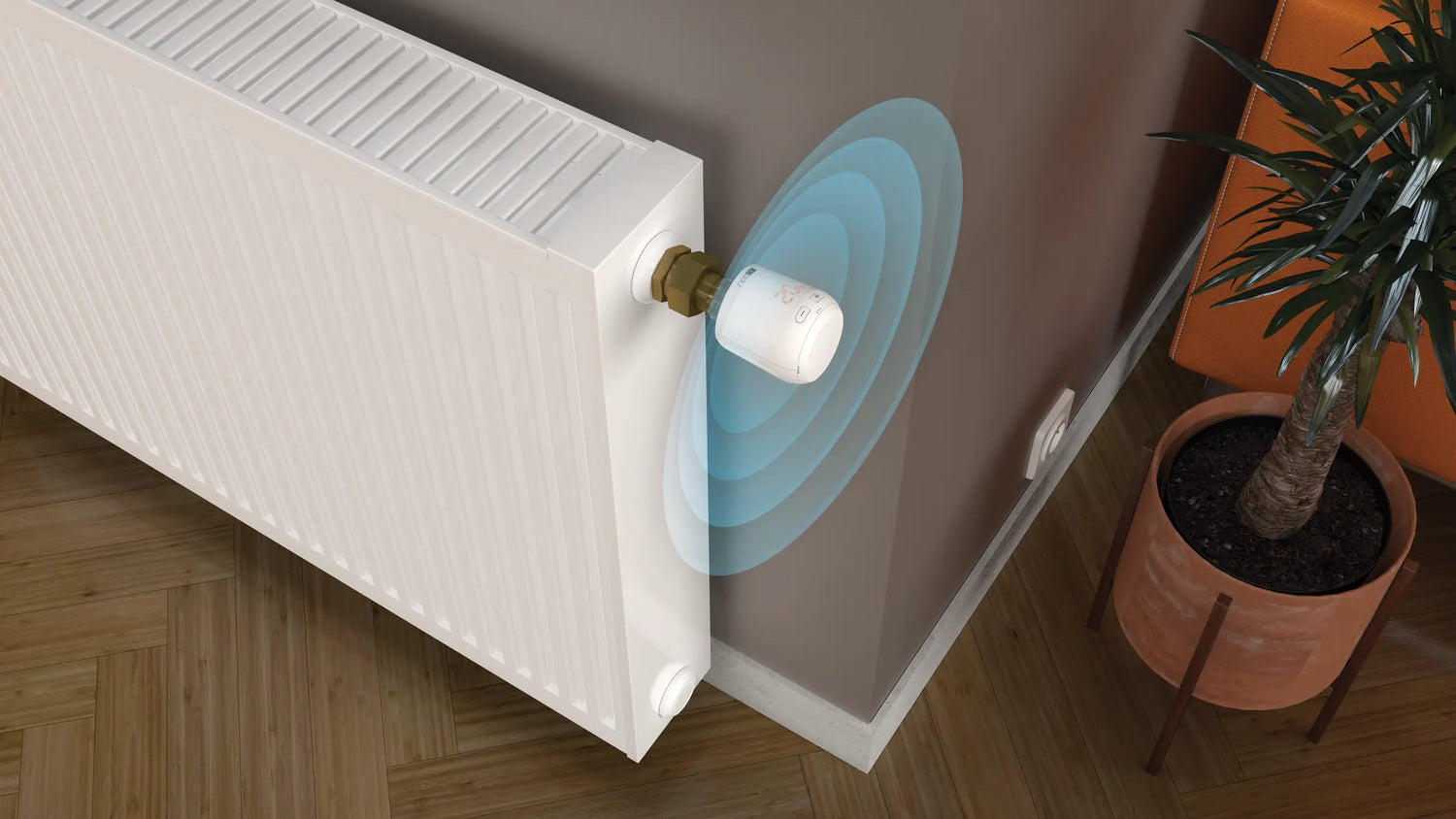
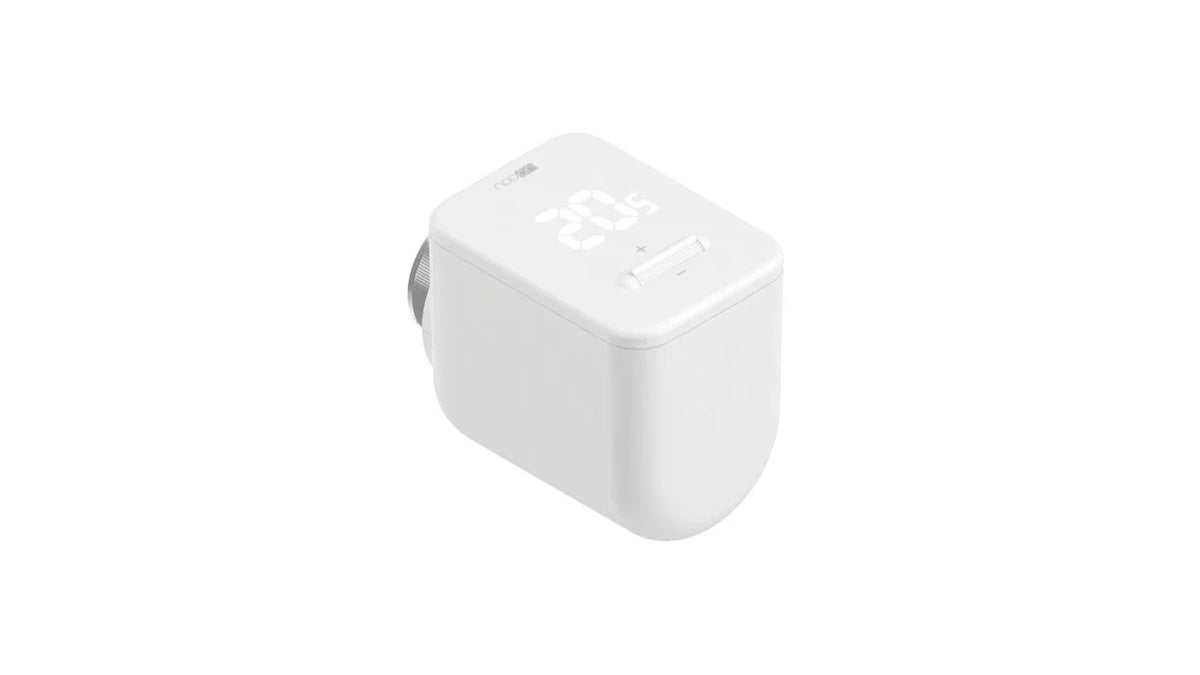
The NodOn TRV-4-1-00 connects each radiator to your Zigbee gateway or BMS, allowing it to receive precise, automated temperature setpoints coordinated with the rest of your installation.
The TRV-4-1-00: your radiator becomes smart
The thermostatic radiator valve (TRV) head installs in minutes on the existing thermostatic valve (universal M30×1.5 mm thread) and communicates via Zigbee 3.0 with your gateway or BMS. It regulates temperature between 8 and 28 °C in 0.5 °C increments and is powered by 2 AA batteries for a two-year autonomy.
|
🎯
Regulation precision
Setpoint from 8 to 28 °C in 0.5 °C increments — actual room temperature reported in real-time in your home automation interface
|
🔋
2-year battery life
2 standard AA batteries — no wiring, no recharging, a clean installation without power constraints
|
|
🔧
Universal installation
M30×1.5 mm thread compatible with almost all thermostatic valves on the market — adapters provided for special cases
|
📡
Native Zigbee 3.0
Compatible with Home Assistant, Jeedom, Homey, Zigbee2MQTT and other Zigbee 3.0 gateways — Thermostat Device ID 0x0301
|
Installation: 5 minutes per radiator
Installation requires no plumbing work. The NodOn thermostatic head simply replaces the existing head on the standard M30×1.5 mm thermostatic valve body.
|
M30×1.5 mm thread
Direct mounting
Unscrew the existing thermostatic head from the valve body. Screw the TRV-4-1-00 by hand onto the M30×1.5 mm body. Insert the 2 AA batteries. The head automatically performs a calibration cycle when powered on.
|
Other threads
With adapter
For valve bodies with a different thread (Danfoss RA, Giacomini…), use the corresponding adapter available separately. The adapter attaches to the valve body, then the TRV head screws onto it normally.
|
3-step configuration
|
1
|
Mechanical mounting
Remove the existing thermostatic head. Screw the TRV-4-1-00 onto the M30×1.5 mm valve body (or via adapter). Insert the 2 AA batteries — the head starts up and automatically performs a calibration cycle.
|
|
2
|
Inclusion in your Zigbee network
Activate inclusion mode on your Zigbee gateway or BMS. On the thermostatic head, a countdown from 99 to 0 is displayed on the screen while searching for the network. Once the connection is established, the head displays the ambient temperature and is ready to receive setpoints.
|
|
3
|
Programming and automations
Define your time slots directly in your home automation interface (Home Assistant, Jeedom, Homey…) or BMS. Create automations based on presence, time, or other sensors: the head executes temperature setpoints in real time. Key lock is activated by pressing + and − simultaneously for 3 seconds.
|
What you can do with your connected heating
| 🏠 Room-by-room programming according to actual occupancy — no more unnecessary heating in bedrooms during the day | 📍 Automatic heat-up triggered by geolocation — your home is warm when you arrive |
| 🌡️ Automatic frost protection mode in case of prolonged absence or open window detected by a sensor | 📊 Room temperature monitoring in a dashboard, with history and drift alerts |
The product
The TRV-4-1-00 installs without any work on your existing thermostatic valve and can be controlled directly from your Zigbee gateway or BMS.
|
Thermostatic head
TRV-4-1-00
Zigbee thermostatic valve head
View product → |
Key features
Range: 8 – 28 °C (0.5 °C increments)
Power supply: 2 × AA (~2 years)
Thread: M30×1.5 mm universal
Protocol: Zigbee 3.0 (Device ID 0x0301)
Range: up to 30 m
|

Leave a comment
This site is protected by hCaptcha and the hCaptcha Privacy Policy and Terms of Service apply.