
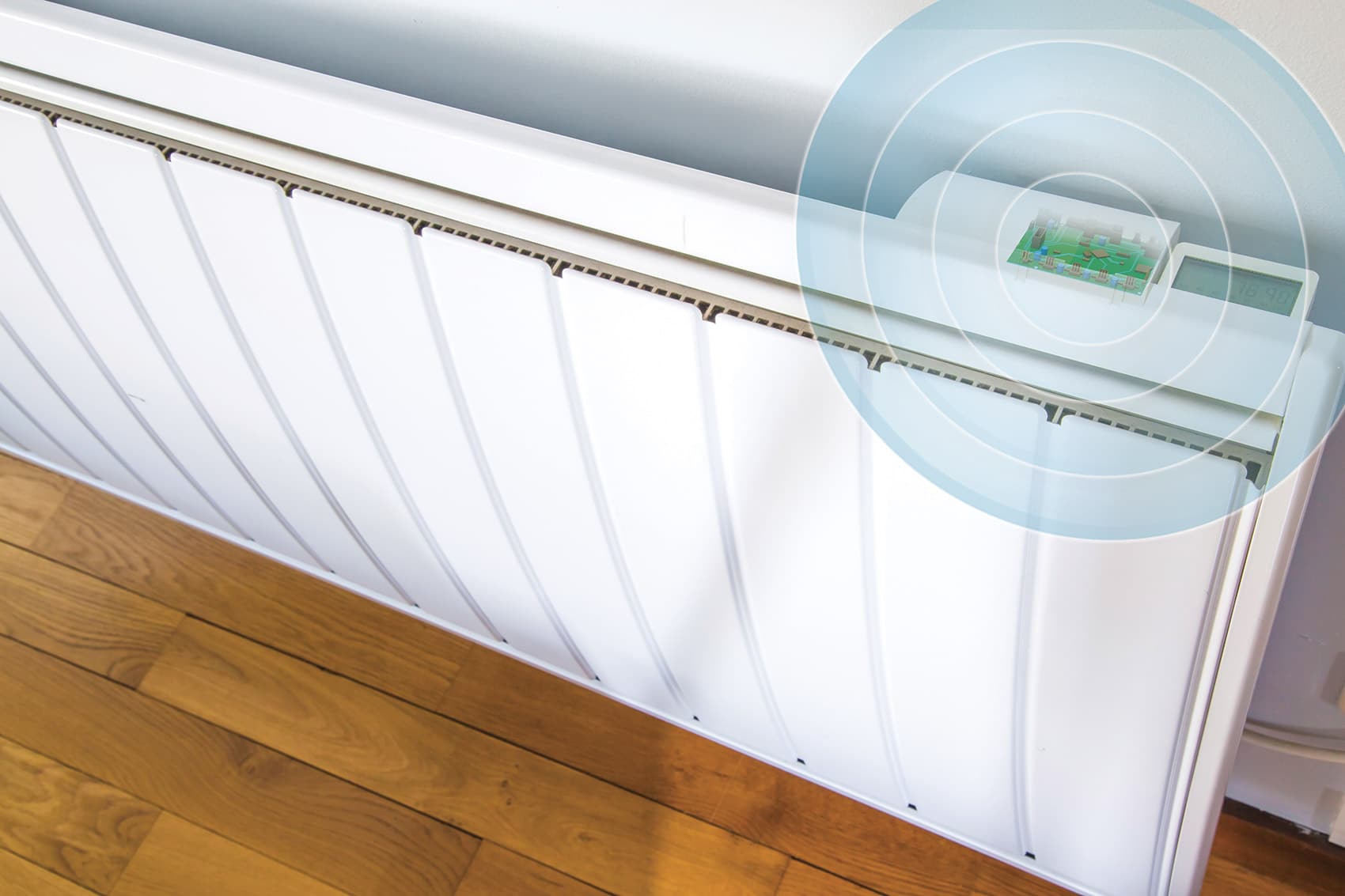
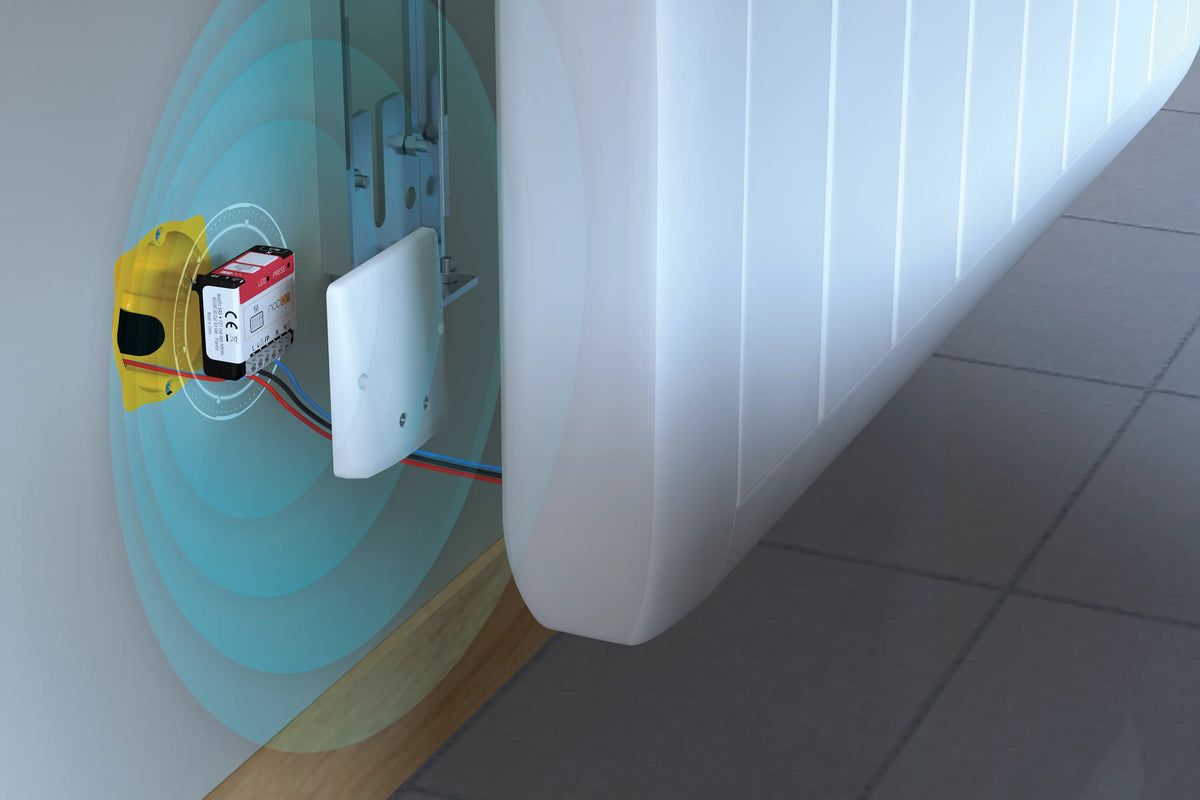
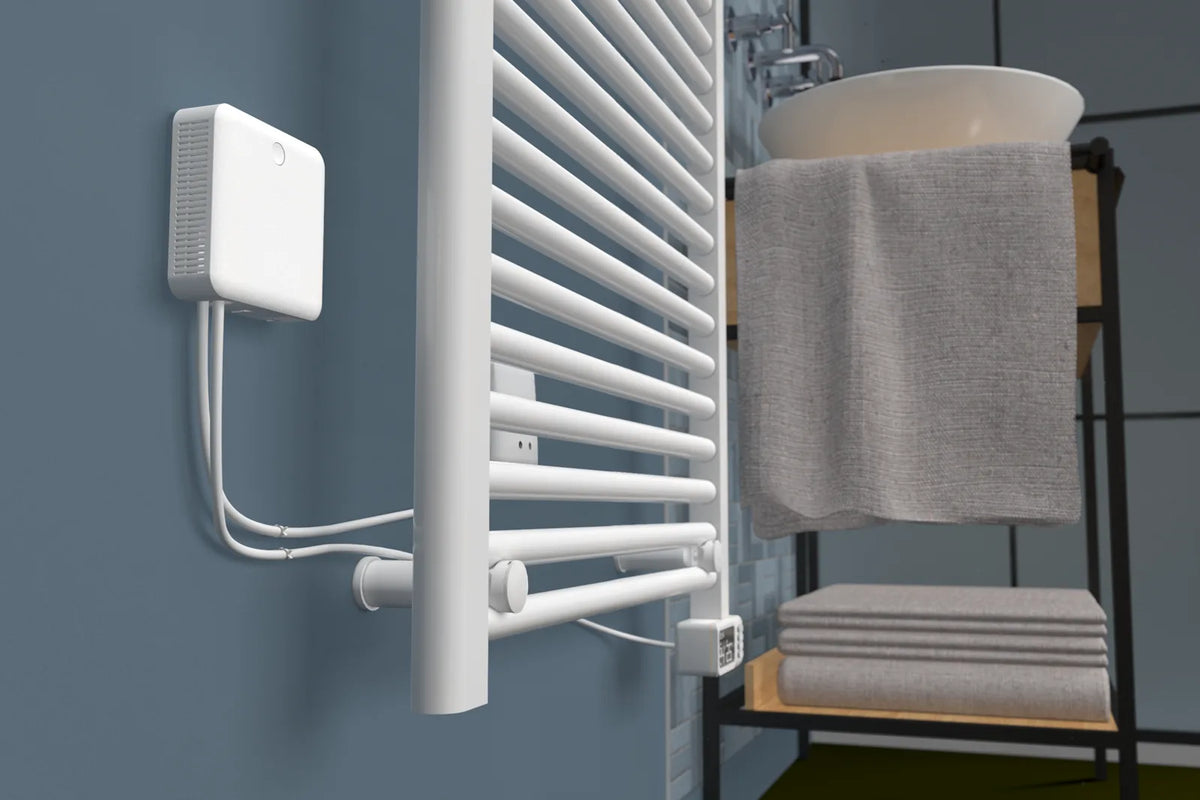
The SIN-4-FP-21 module fits inside the electric radiator's cable outlet, invisible once installed, and connects it to your Zigbee gateway or BMS. It transmits the 6 pilot wire orders and measures the radiator's energy consumption along the way.
The problem: pilot wire radiators that talk to no one
Many electric radiators have a pilot wire. Yet this wire often goes unused: each radiator is set on its own control unit, with no shared schedule and no consumption tracking.
The NodOn Zigbee Pilot Wire Heating Module uses this wire to make every radiator controllable from your home automation system. It installs directly in the cable outlet, without touching the radiator or the consumer unit.
The SIN-4-FP-21: the pilot wire goes Zigbee
In a 40 × 44 × 16.9 mm housing, the module combines a 6-order pilot wire interface and energy metering, for radiators up to 3680 W. It communicates via Zigbee 3.0 with your gateway or BMS.
|
🔥
6-order pilot wire
Comfort, Comfort -1 °C, Comfort -2 °C, Eco, Frost protection and Off, for any electric radiator fitted with a pilot wire
|
📊
Energy metering
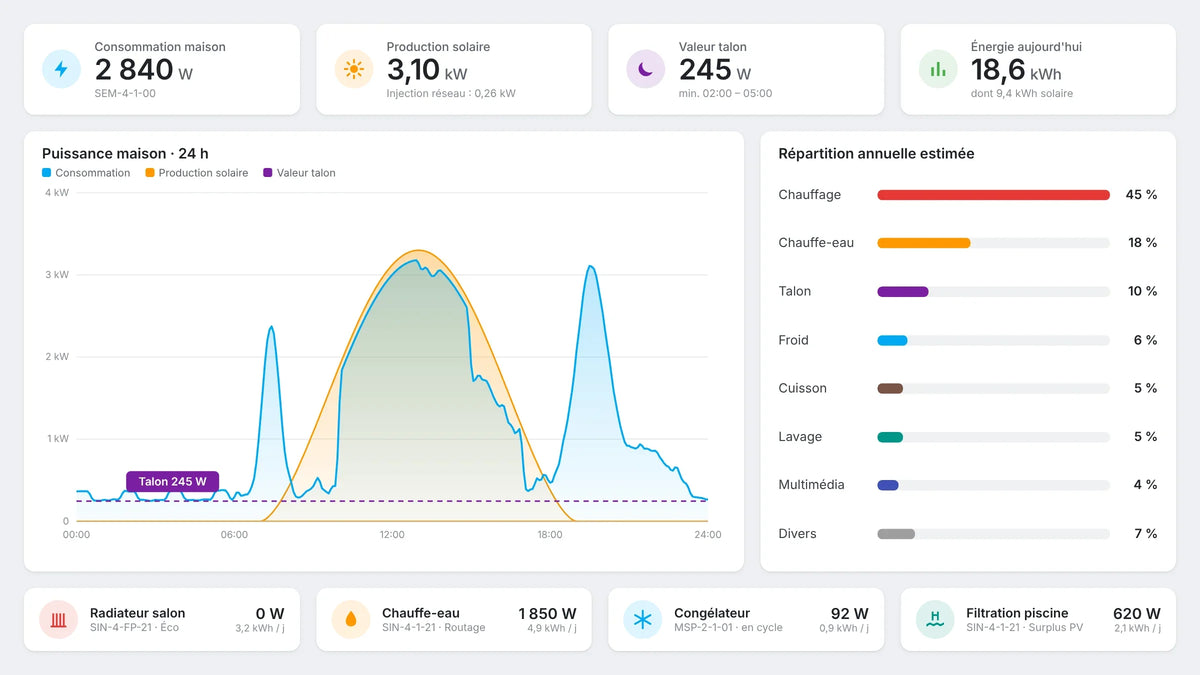
Instantaneous power (W) and cumulative energy (Wh) of the radiator, with a compatible gateway
|
|
📦
Ultra-compact
The module fits behind the radiator's cable outlet cover: nothing sticks out once installation is complete
|
⚡
Up to 3680 W
The controlled radiator can draw up to 3680 W, while the module itself consumes less than 1 W
|
Installation: in the cable outlet or in the consumer unit
The module has five terminals: L and N for the supply, L and N for the radiator, and FP for the pilot wire. Cables must have a cross-section of 1.5 to 4 mm², stripped to 8 mm. There are two possible locations:
|
Option 1
Behind the cable outlet
The module goes in the back box of the cable outlet to which the radiator is connected. This is the most common setup, radiator by radiator.
|
Option 2
In the consumer unit
With the NodOn DIN Rail Box, the module moves into the consumer unit and controls the corresponding heating circuit.
|
Setup in 3 steps
|
1
|
Wiring
With the power off, remove the radiator's cable outlet cover, connect the supply to terminals L and N, the radiator to its L and N terminals, and its pilot wire to the FP terminal. Refit the cable outlet cover, then restore the power.
|
|
2
|
Adding it to your Zigbee network
When powered up, the LED flashes orange: the module is looking for a network. Start device discovery on your gateway (Home Assistant, Jeedom, Zigbee2MQTT, Homey…). Once pairing succeeds, the LED turns green. If no network is found within 15 minutes, it stays orange: a short press on the button restarts the search. On Homey, pilot wire control goes through the dedicated community app; on Enki Connect, select the Equation-branded module.
|
|
3
|
Control and monitoring
From your interface, you select the radiator's pilot wire mode (Comfort, Eco, Frost protection, Off…) and monitor its power and energy consumed. These values can feed a dashboard, alerts or automations.
|
What you can automate
| 🕐 Scheduling Comfort and Eco modes by time of day and day of the week, room by room | 🚪 Switching to Frost protection as soon as a window is opened, with an opening sensor |
| ✈️ Away or holiday mode for the whole home in a single scene | 📉 Tracking each radiator's consumption to identify the most energy-hungry rooms |
The product
The SIN-4-FP-21 installs in the radiator's cable outlet or in the consumer unit and communicates directly with your Zigbee gateway or BMS.
|
Actuator
SIN-4-FP-21
Zigbee Pilot Wire Heating Module
View product →
|
Key specifications
Modes: 6-order pilot wire
Max. heating load: 3680 W
Metering: power (W) and energy (Wh)
Protocol: Zigbee 3.0, OTA updates
Dimensions: 40 × 44 × 16.9 mm
|
Resources
| 📄 Product page |
| 📖 User guide [FR / EN] |
| 📊 Datasheet [EN] |
| 📚 “Building a Residential EMS with Home Assistant” series, by Pascal Stephany [EN] |
| 🔗 SIN-4-FP-21 on Zigbee2MQTT [EN] |

Leave a comment
This site is protected by hCaptcha and the hCaptcha Privacy Policy and Terms of Service apply.