
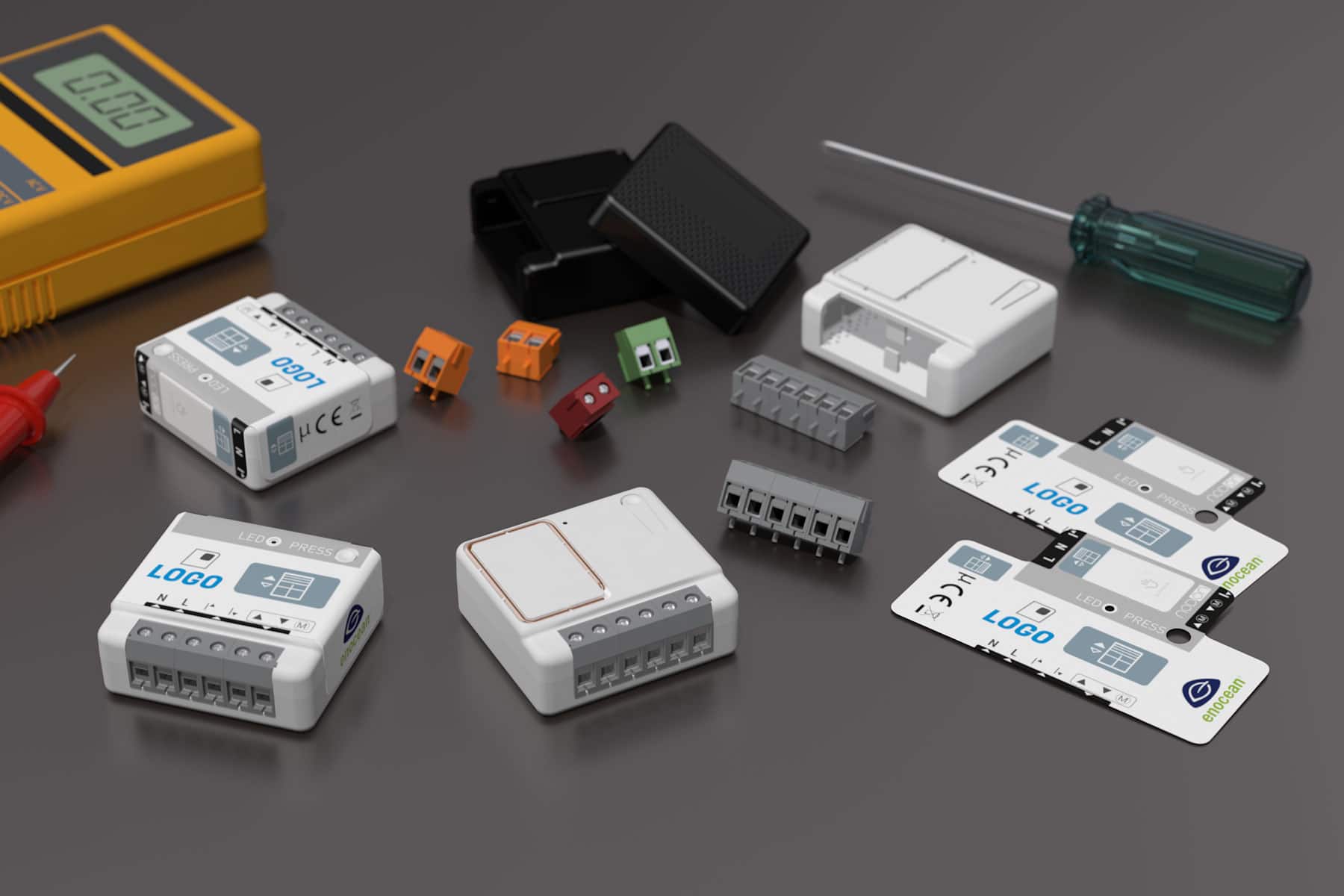

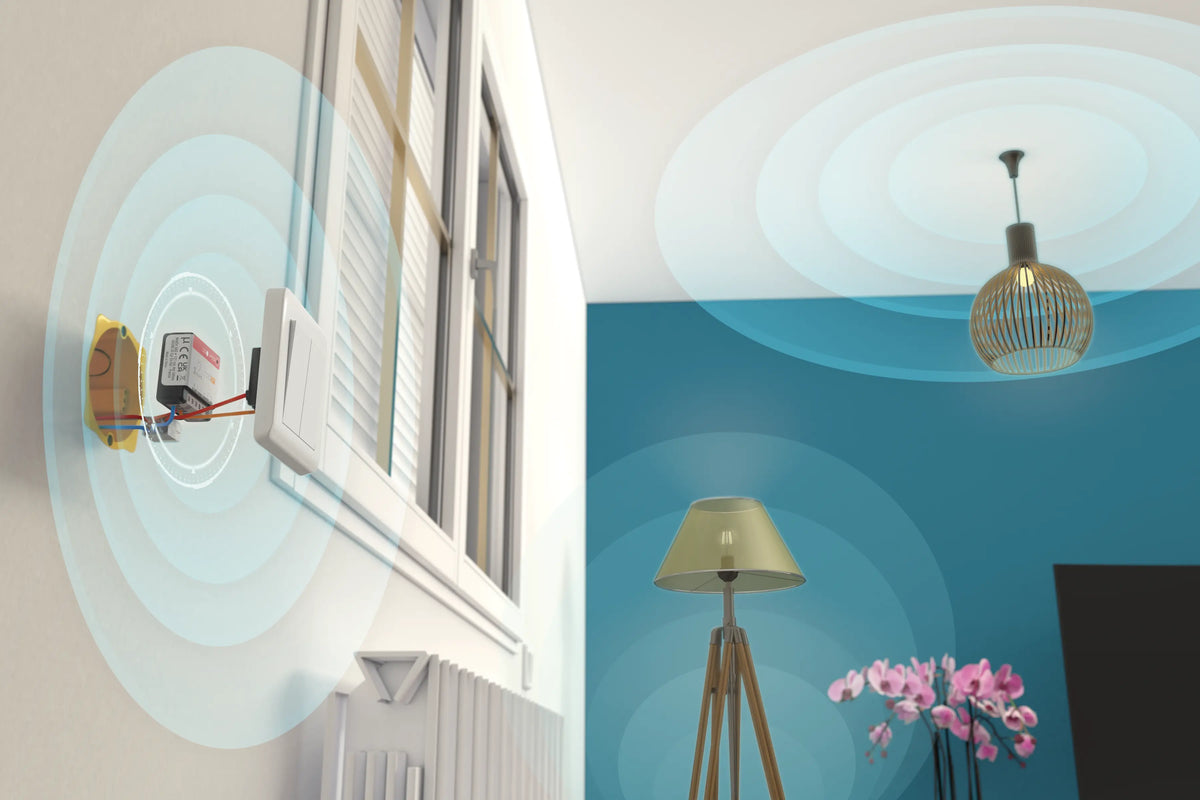
Ceiling lights, wall lights, spotlights: the SIN-4-2-20 lighting module fits behind the existing switch or in the false ceiling and makes one or two lighting circuits controllable from your Zigbee gateway, by voice or through scenes.
The problem: lighting that can only be controlled from the wall
Replacing every bulb with a smart model is expensive, and it stops working as soon as the wall switch is turned off. Replacing the switches often means changing the look of a room or an entire building.
The NodOn Zigbee ON/OFF Lighting Module tackles the problem at its source: it is wired into the lighting circuit, keeps the existing switches in place and adds remote control and automation, whatever lamps are installed.
The SIN-4-2-20: two lighting circuits in a single module
In a 40 × 44 × 16.9 mm housing, the module combines two independent outputs, two inputs for wired switches and the Zero Crossing function. It communicates via Zigbee 3.0 with your gateway, your BMS or a compatible ecosystem.
|
💡
Two channels
Two separately controlled outputs, up to 3 A and 690 W each, for one or two lights
|
〰️
Zero Crossing
Switching at the zero crossing of the voltage ensures compatibility with all types of lamps
|
|
🎛️
Existing switches kept
Each output has its own wired switch input; the module automatically detects whether it is a push button or a standard switch
|
📶
Zigbee 3.0
Compatible with the main Zigbee gateways and voice assistants, OTA firmware updates
|
Installation: one or two channels
The module is connected to neutral and live, using 1.5 to 4 mm² cables stripped to 8 mm. Depending on the number of lights to be controlled, there are two wiring options:
|
Option 1
One light
The light is connected to output 1, and the existing wall switch to the corresponding input. The second channel remains available.
|
Option 2
Two lights
Each light has its own output, and each switch (for example the two rockers of a double switch) its own input. The two circuits are controlled independently.
|
Setup in 3 steps
|
1
|
Wiring and switch detection
With the power off, remove the switch that controls the light or lights, wire the module according to the diagram in the user guide, then refit the switch and restore the power. Next, press each wired switch once: the module automatically detects whether it is monostable or bistable.
|
|
2
|
Adding it to your Zigbee network
When powered up, the LED flashes orange: the module is looking for a network. Start device discovery on your gateway (Home Assistant, Jeedom, Zigbee2MQTT, Philips Hue, Homey…). Once pairing succeeds, the LED turns green. If no network is found within 15 minutes, it stays orange: a short press on the button restarts the search. The module appears as a Zigbee ON/OFF light (Device ID On/Off Light 0x0100) with two control endpoints.
|
|
3
|
Control and scenes
Each channel can be controlled separately from your interface, by voice or in a scene. The wall switches keep working as normal. To get started with a voice assistant, see our tutorial Using the NodOn Zigbee Lighting Module with Amazon Alexa.
|
What you can automate
| 🚶 Turning on a corridor or staircase light when presence is detected, then switching it off automatically | 🌅 Turning on outdoor lighting at sunset and switching it off at a set time |
| 🏢 Switching off all the lights on a floor or in an office at the end of the day | 🏠 Presence simulation during extended absences |
The product
The SIN-4-2-20 is installed in the wall, in the ceiling or in the consumer unit and communicates directly with your Zigbee gateway, your BMS or your lighting ecosystem.
|
Actuator
SIN-4-2-20
Zigbee ON/OFF Lighting Module
View product →
|
Key specifications
Channels: 2 independent outputs
Switching: 230 V AC – 2 × 3 A
Max. power: 2 × 690 W, Zero Crossing
Protocol: Zigbee 3.0, OTA updates
Dimensions: 40 × 44 × 16.9 mm
|
Resources
| 📄 Product page |
| 📖 User guide [FR / EN] |
| 📊 Datasheet [EN] |
| 🔗 SIN-4-2-20 on Zigbee2MQTT [EN] |


Leave a comment
This site is protected by hCaptcha and the hCaptcha Privacy Policy and Terms of Service apply.