
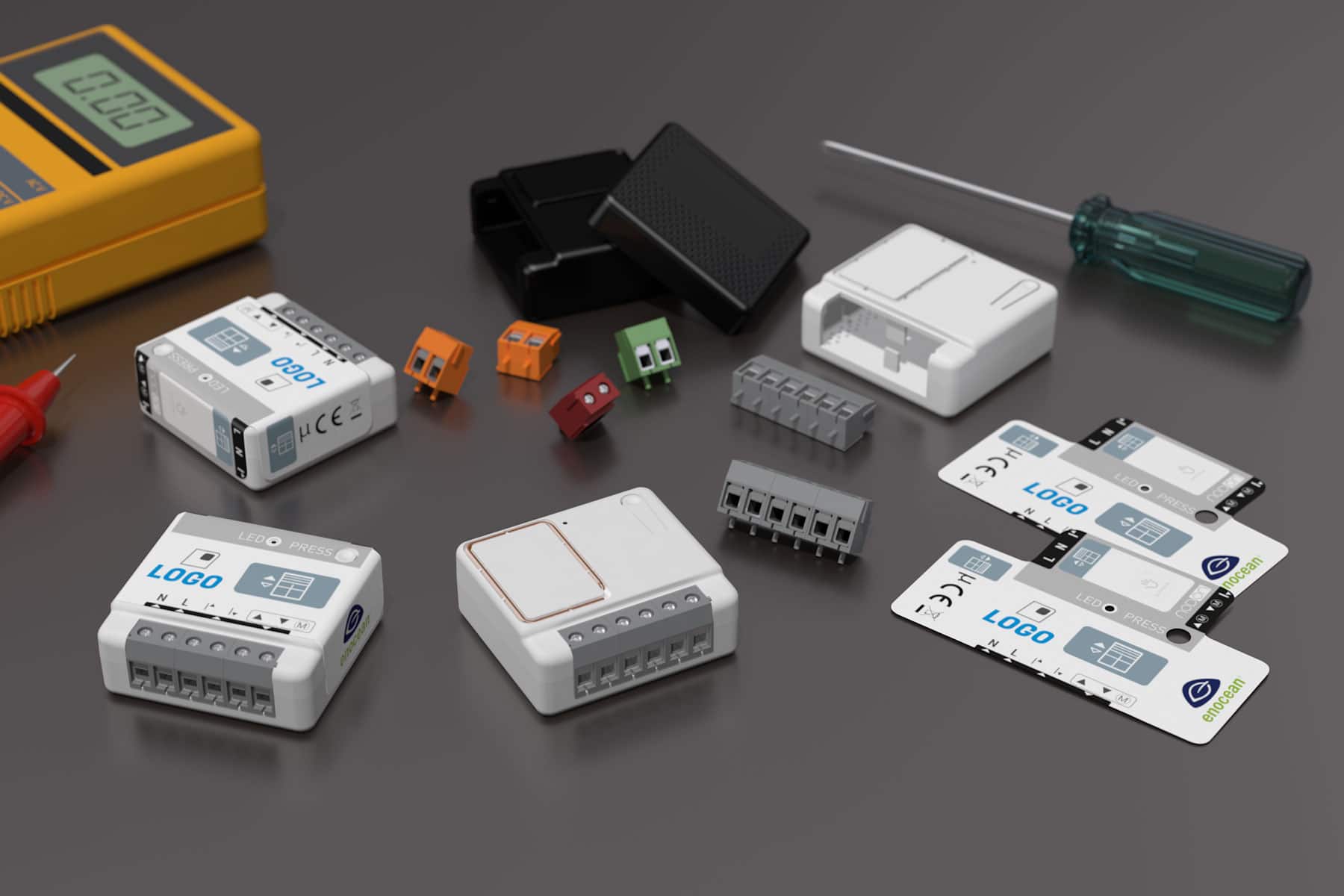
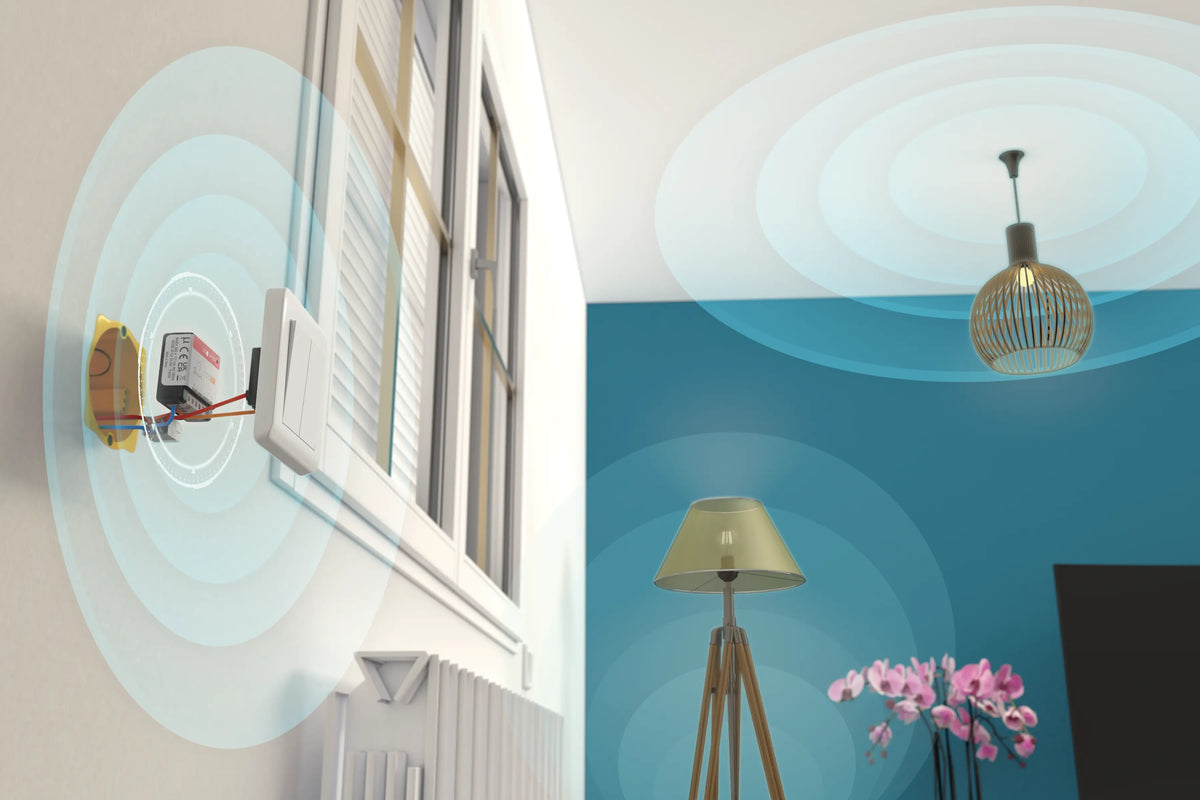
Gate, garage door, electric strike, boiler or a simple socket: the SIN-4-1-20 multifunction module fits behind a switch, a socket or a cable outlet and makes the equipment controllable from your Zigbee gateway or building management system (BMS).
The problem: equipment your smart home can't reach
A motorised gate that only opens with its remote control, a boiler controlled by an old wired thermostat, a socket powering a screen or a water heater: in most buildings, these devices each work in isolation. There's no way to include them in a scene, control them remotely or switch them off automatically.
The NodOn Zigbee Multifunction Relay Switch is designed for exactly these cases. Ultra compact, it is wired into the existing installation and turns the equipment into a Zigbee 3.0 device, without replacing it.
The SIN-4-1-20: one Zigbee relay, three ways to use it
In a 40 × 44 × 16.9 mm housing, the module combines a 14 A relay, a dry contact output, an input for a wired switch and an impulse mode for access control. It communicates via Zigbee 3.0 with your gateway or BMS.
|
🔌
14 A relay
Switches up to 3000 W, with built-in Zero Crossing to protect the relay and the connected appliances
|
🔀
Dry contact output
Separate input and output terminals, to control a boiler, a gate or a garage door
|
|
🚪
Impulse mode
A pulse instead of a maintained contact, just like a push button, for gates, garage doors and electric strikes
|
🎛️
Wired switch retained
Input I1 accepts an existing switch; the module automatically detects whether it is a push button or a standard switch
|
Installation: three wiring diagrams depending on the equipment
The module is connected to neutral and live, using 1.5 to 4 mm² cables stripped to 8 mm. The user guide describes three set-ups:
|
Option 1
Power socket
The module is wired behind the power socket, which can then be controlled remotely.
|
Option 2
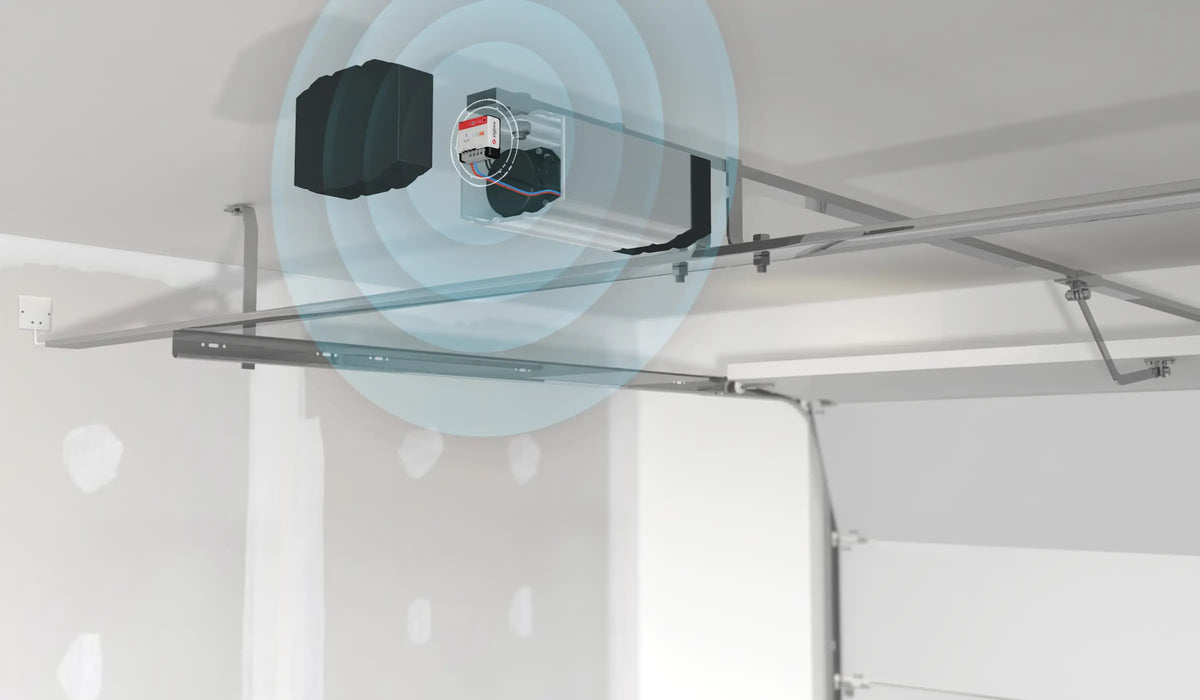
Gate, garage door, electric strike
Impulse dry contact: the module is wired in parallel with the push button that controls the automation system.
|
Option 3
Boiler
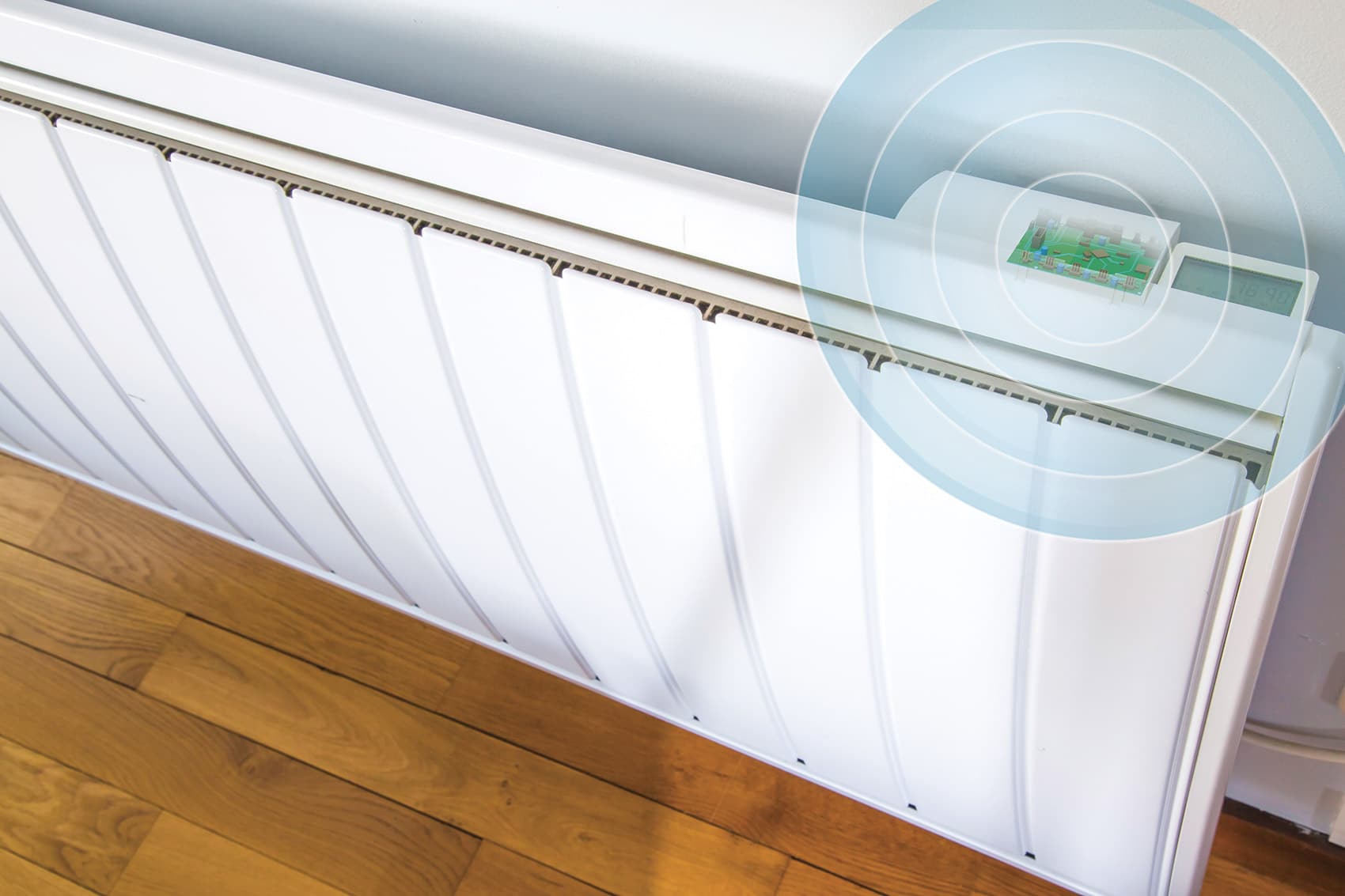
Maintained dry contact: the module is connected to the two control wires intended for the room thermostat (see the boiler's manual).
|
Setup in 3 steps
|
1
|
Wiring and powering up
With the power off, remove the switch, socket, push button or cable outlet, wire the module according to the relevant diagram, then reassemble everything and restore the power. If a wired switch is connected to input I1, press it once: the module automatically detects whether it is monostable or bistable.
|
|
2
|
Impulse mode (access control)
For a gate, garage door or electric strike, press the module's button 5 times in quick succession: the LED flickers green and access control mode is activated. Another series of 5 presses deactivates it. This step must be done before adding the module to the Zigbee network.
|
|
3
|
Adding it to your Zigbee network
When powered up, the LED flashes orange: the module is looking for a network. Start device discovery on your gateway (Home Assistant, Jeedom, Zigbee2MQTT, Homey, SmartThings…). Once pairing succeeds, the LED turns green. If no network is found within 15 minutes, it stays orange: a short press on the button restarts the search. The module appears as a Zigbee ON/OFF light (Device ID On/Off Light 0x0100), which is normal for this type of relay.
|
What you can automate
| 🚗 Opening the gate or garage door from a smartphone or with an arrival scene | 🔥 Switching the boiler on and off according to a schedule, occupancy or the temperature measured in each room |
| 🔑 Releasing an electric strike remotely, for an office or a plant room | 🌙 Automatically switching off a socket at night or when nobody is home, to avoid standby consumption |
The product
The SIN-4-1-20 can be installed in a wall, in the ceiling or in the consumer unit, and communicates directly with your Zigbee gateway or BMS. Also need to track the consumption of the controlled appliance? Go for its metering version, the SIN-4-1-21.
|
Actuator
SIN-4-1-20
Zigbee Multifunction Relay Switch
View product →
|
Key specifications
Switching: 230 V AC – 14 A
Max. power: 3000 W, Zero Crossing
Uses: 230 V relay, dry contact, impulse
Protocol: Zigbee 3.0, OTA updates
Dimensions: 40 × 44 × 16.9 mm
|
Resources
| 📄 Product page |
| 📖 User guide [FR / EN] |
| 📊 Datasheet [EN] |
| 🔗 SIN-4-1-20 on Zigbee2MQTT [EN] |

Leave a comment
This site is protected by hCaptcha and the hCaptcha Privacy Policy and Terms of Service apply.