
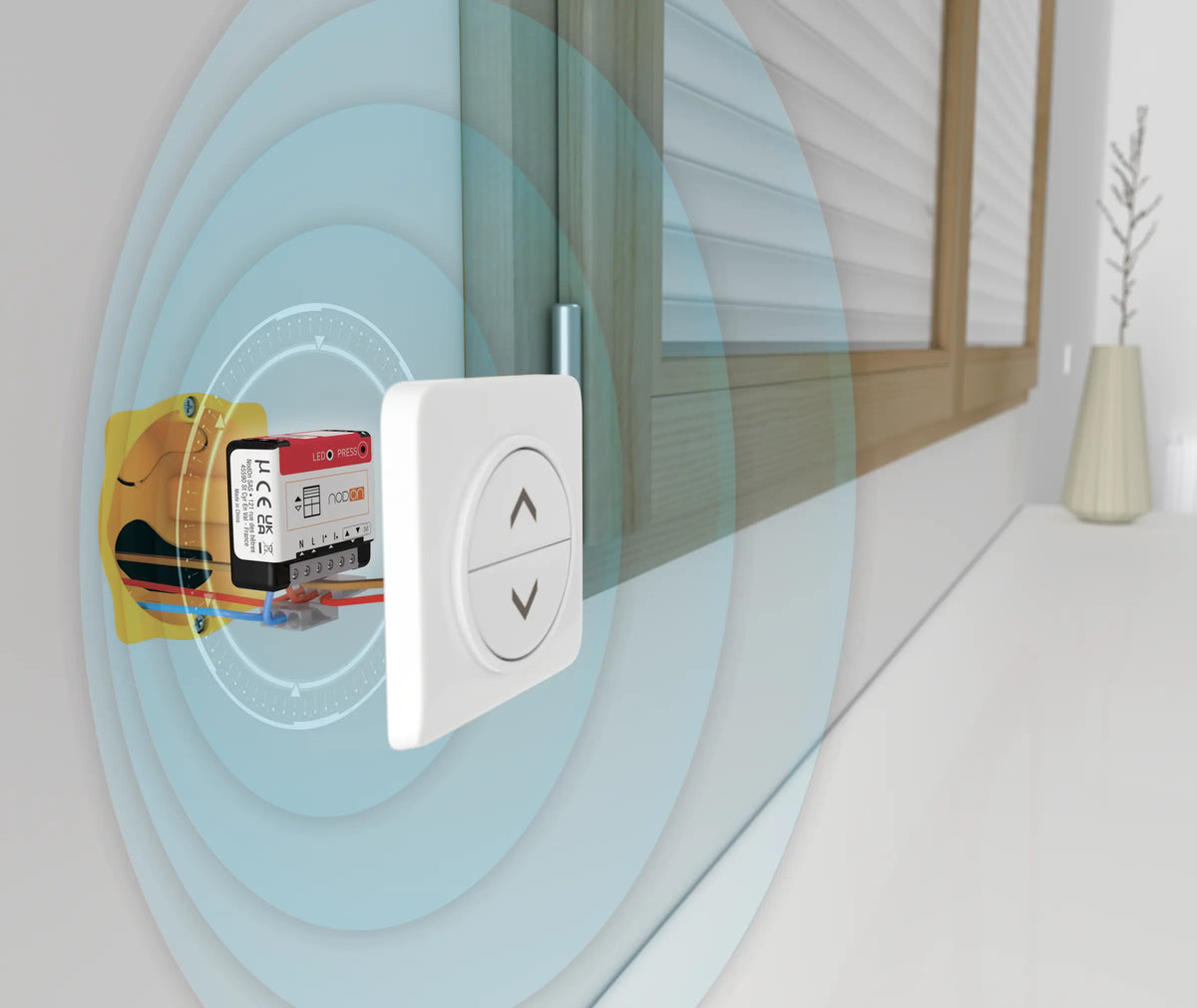
Roller shutter, blind or external venetian blind (BSO): the SIN-4-RS-20 module fits behind the existing up/down switch and lets you set the exact position of the shutter from your Zigbee gateway or BMS.
The problem: shutters that have to be operated one by one
In a home as in an office building, motorised roller shutters are usually operated from their switch. Closing them all in the evening, lowering them in high summer to keep the rooms cool or opening them at a set time means going round every room.
The NodOn Zigbee Roller Shutter Relay Switch makes every shutter controllable and centralisable, without replacing the motor or the switch: it is wired between the two and adapts to the equipment thanks to its automatic calibration.
The SIN-4-RS-20: one module for each motorised shutter
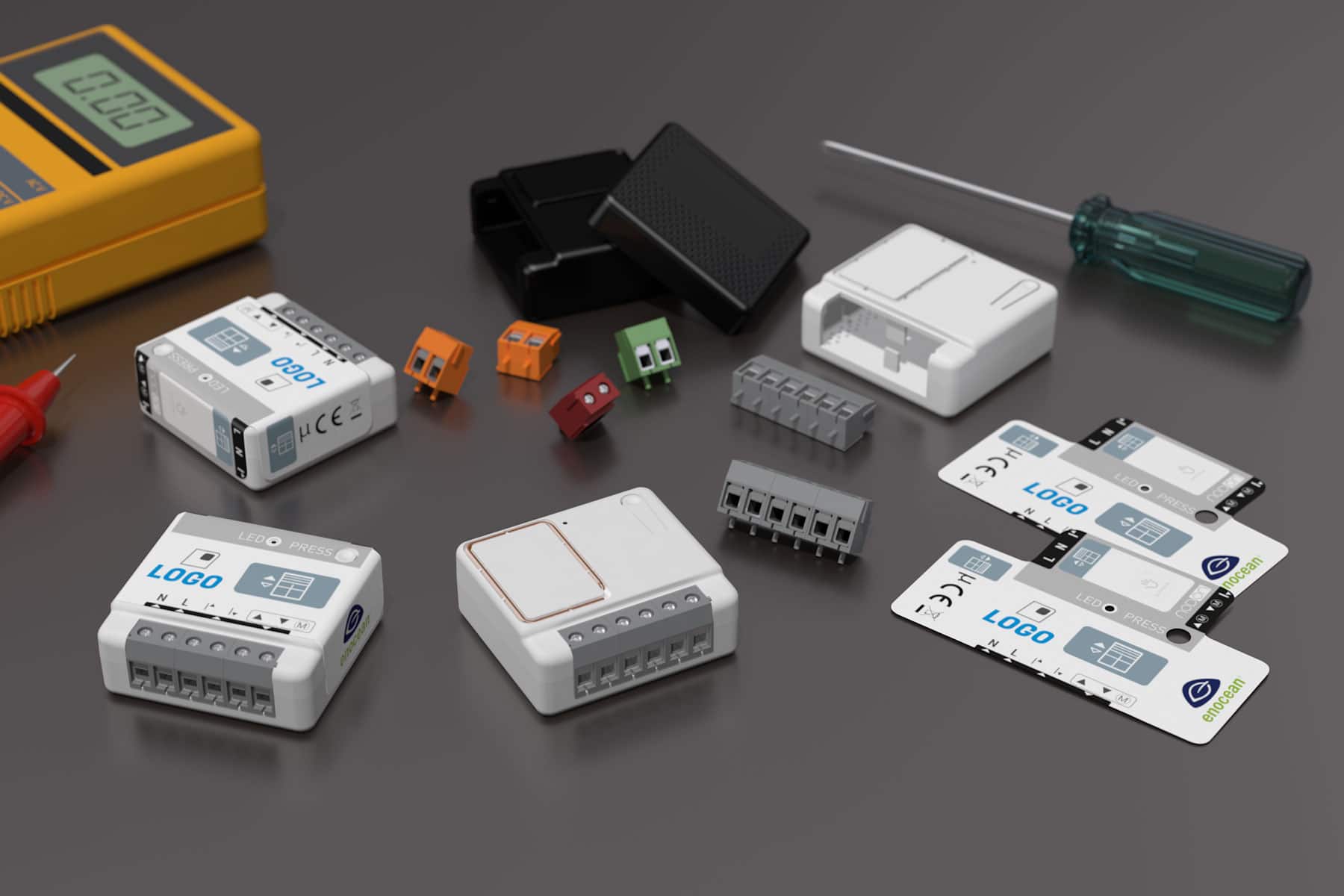
In a 40 × 44 × 16.9 mm housing, the module combines two motor outputs (up and down), two inputs for the wired switch and a calibration function. It communicates via Zigbee 3.0 with your gateway or BMS.
|
⚙️
Motors up to 280 W
230 V AC – 3 A switching, for motors of up to 280 W and 60 Nm, with built-in Zero Crossing
|
📏
Automatic calibration
The module learns the shutter's travel so it can position it precisely, for example halfway
|
|
🎛️
Existing switch retained
The up/down switch stays in place; the module automatically detects whether it is connected to bistable switches or push-buttons
|
🪟
Shutters, blinds and BSO
The module also controls external venetian blinds (BSO), with slat tilt adjustment depending on your gateway
|
Installation: behind the switch or in the consumer unit
The module is connected to the neutral and live, as well as to the motor's two control wires (up and down), using 1.5 to 4 mm² cables stripped to 8 mm. There are two possible locations:
|
Option 1
Behind the switch
The module fits in the back box of the switch that operates the shutter. The switch is connected to the “up” and “down” inputs, and the motor to the corresponding outputs.
|
Option 2
In the consumer unit
With the NodOn DIN Rail Box, the module goes into the consumer unit, a practical way to centralise the shutters of a floor or a whole building.
|
Setup in 3 steps
|
1
|
Wiring and switch detection
With the power off, remove the shutter switch, wire the module according to the diagram in the user guide, refit the switch and restore the power. Then press the wired switch to bring the shutter halfway: the module detects whether it is a bistable switch or a push-button.
|
|
2
|
Calibration
Press the module's button briefly 5 times: the LED flickers green and the shutter performs an up, down, up cycle. If the cycle starts by going down, swap the two motor outputs. To cancel calibration, press the module briefly 5 times or press the wired switch once.
|
|
3
|
Adding it to your Zigbee network
When powered up, the LED flashes orange: the module is looking for a network. Start device discovery on your gateway (Home Assistant, Jeedom, Zigbee2MQTT, Homey…). Once pairing succeeds, the LED turns green. If no network is found within 15 minutes, it stays orange: a short press on the button restarts the search. The module appears as a Zigbee window covering (Device ID Window Covering Device 0x0202), with position control.
|
What you can automate
| 🌅 Opening in the morning and closing at sunset, room by room or for the whole building | 🌡️ Partial closing in summer during the hottest hours to limit solar gain |
| 🌙 Closing everything at nightfall in winter to reduce heat loss | 🏢 Centralised control of the blinds on an office floor, with an end-of-day scene |
The product
The SIN-4-RS-20 is installed behind the shutter switch or in the consumer unit and communicates directly with your Zigbee gateway or BMS.
|
Actuator
SIN-4-RS-20
Zigbee Roller Shutter Relay Switch
View product →
|
Key specifications
Switching: 230 V AC – 3 A
Motor: 280 W max., 60 Nm max.
Automatic calibration, Zero Crossing
Protocol: Zigbee 3.0, OTA updates
Dimensions: 40 × 44 × 16.9 mm
|
Resources
| 📄 Product page |
| 📖 User guide [FR / EN] |
| 📊 Datasheet [EN] |
| 🔗 SIN-4-RS-20 on Zigbee2MQTT [EN] |


Leave a comment
This site is protected by hCaptcha and the hCaptcha Privacy Policy and Terms of Service apply.