

I installed the Philips Hue system at home to manage my lighting with the Hue Bridge and Philips Hue bulbs. I then connected my Hue Bridge to my Alexa voice assistant so that I could control my lighting by voice.
Talking to your home to control the lights feels a little odd at first, but you soon get used to it and it quickly becomes very handy, whether it’s dimming the living room lights when you start a film or switching off every light in the house before you go out.

However, I recently moved into a rented flat, and my new living room has a chandelier with very specific bulbs. There was no way to reuse my usual Philips Hue bulbs.
So I thought about installing one of our micromodules behind the switch that controls the light, but unfortunately there was no neutral wire at the switch.

I therefore decided to install the module directly on the light’s power supply. When I started taking the famous chandelier down, I realised it was connected via a DCL.
What is a DCL?

A DCL (Dispositif de Connexion Luminaire, or luminaire connection device) is a component used in electrical installations to connect light fittings (lamps or lighting devices) to a building’s wiring, particularly on ceilings.
One major advantage of the DCL is that it makes it easy to replace light fittings without working on the main electrical circuit, which makes maintenance simpler and safer. DCLs comply with electrical safety standards and are commonly used in residential, commercial and industrial buildings to install light fittings.
The NodOn DCL cover
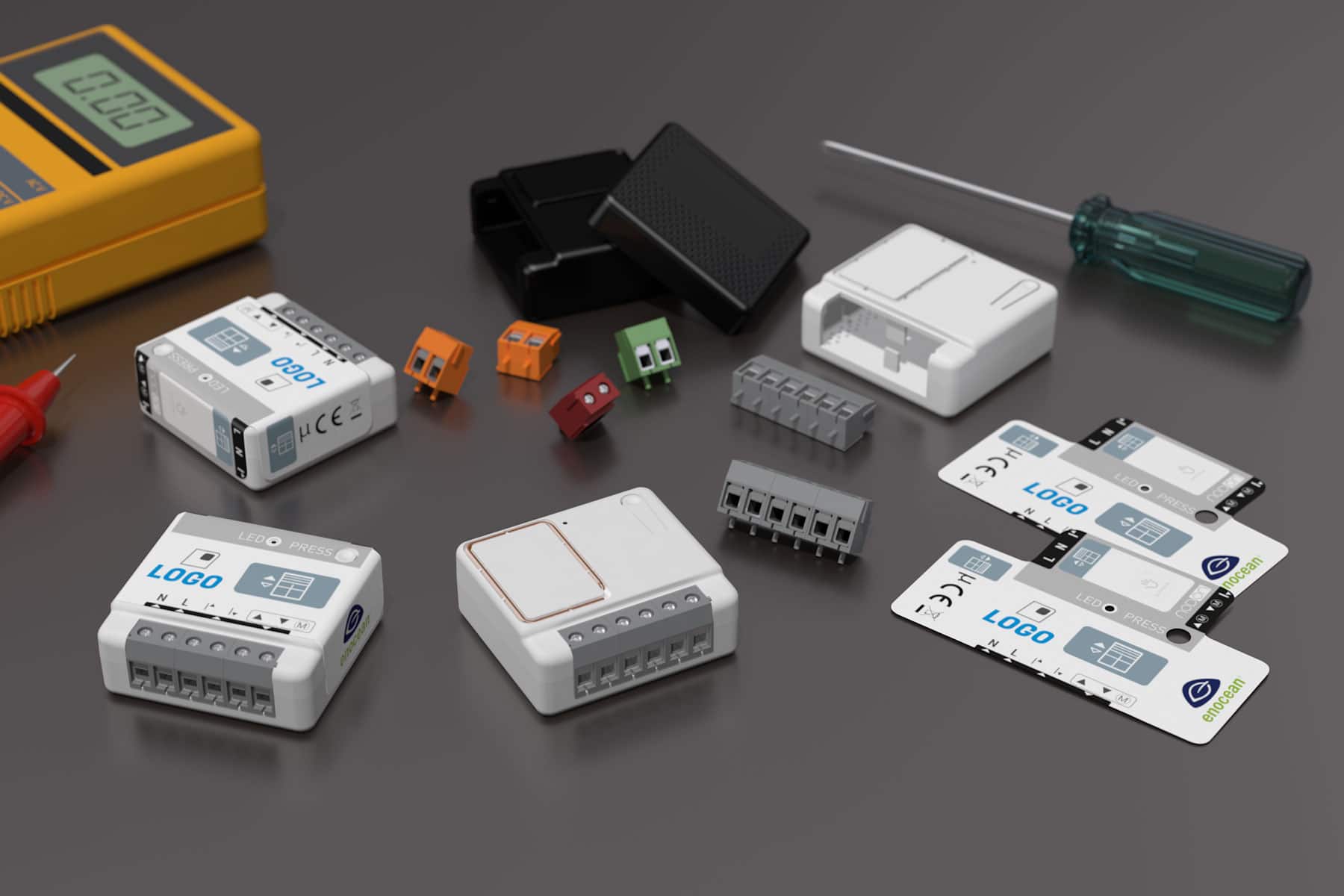
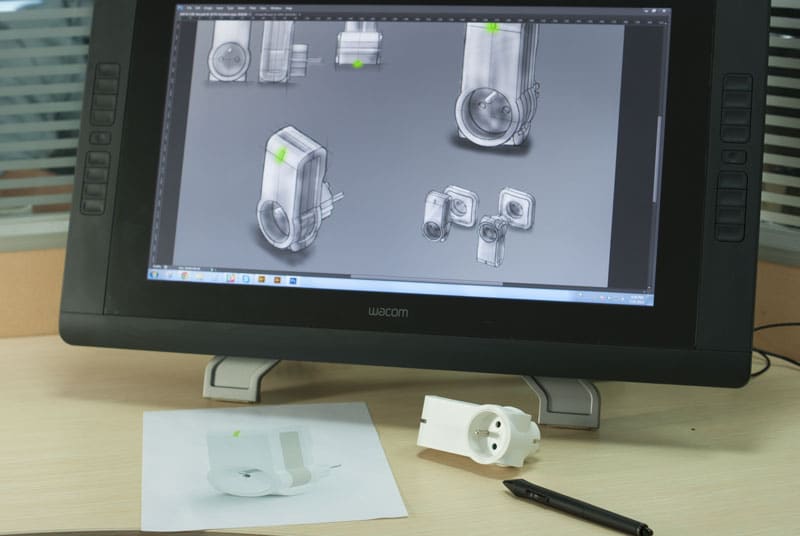
At NodOn, we developed a rather special DCL that lets you connect our Multifunction Module and make a light smart in a very simple way.
Just what I needed! So I got myself a Zigbee Multifunction Module, which is directly compatible with Philips Hue, and one of our latest DCL prototypes.
Fitting the module in the DCL is very easy: you simply screw the terminal block onto the dedicated connector. Then all I had to do was replace the installed DCL with my new one, connecting the 3 wires coming out of the ceiling.

Once the DCL was installed with the Zigbee Multifunction Module, I put the light back in place and switched the power back on at the circuit breaker. When powered up, the Zigbee module searches for a network for 15 minutes. I then started pairing from my Philips Hue app: the module was detected quickly, I was able to rename it in the app and then assigned it to my “Living room”.

And that’s it! Since my Hue app is linked to Alexa, I can control the module directly by voice, and I no longer need to get up from the sofa to switch off the lights. :-)
Learn more about the NodOn products used





Leave a comment
This site is protected by hCaptcha and the hCaptcha Privacy Policy and Terms of Service apply.